The Ultimate BDSM Game.
Your Room. Your Rules.
⚠️ ADULTS ONLY (18+) – Experience unrivaled realism in Mixed Reality. Turn your room into a dungeon.
New in V2.0
🔥 What’s New in V2.0?
The biggest update in the history of SlaveMR is here.
With Version 2.0, I have completely transformed the project based on your feedback. We are moving away from a linear story to a Pure Physics Sandbox Simulation.
You are the director. You set the scene.
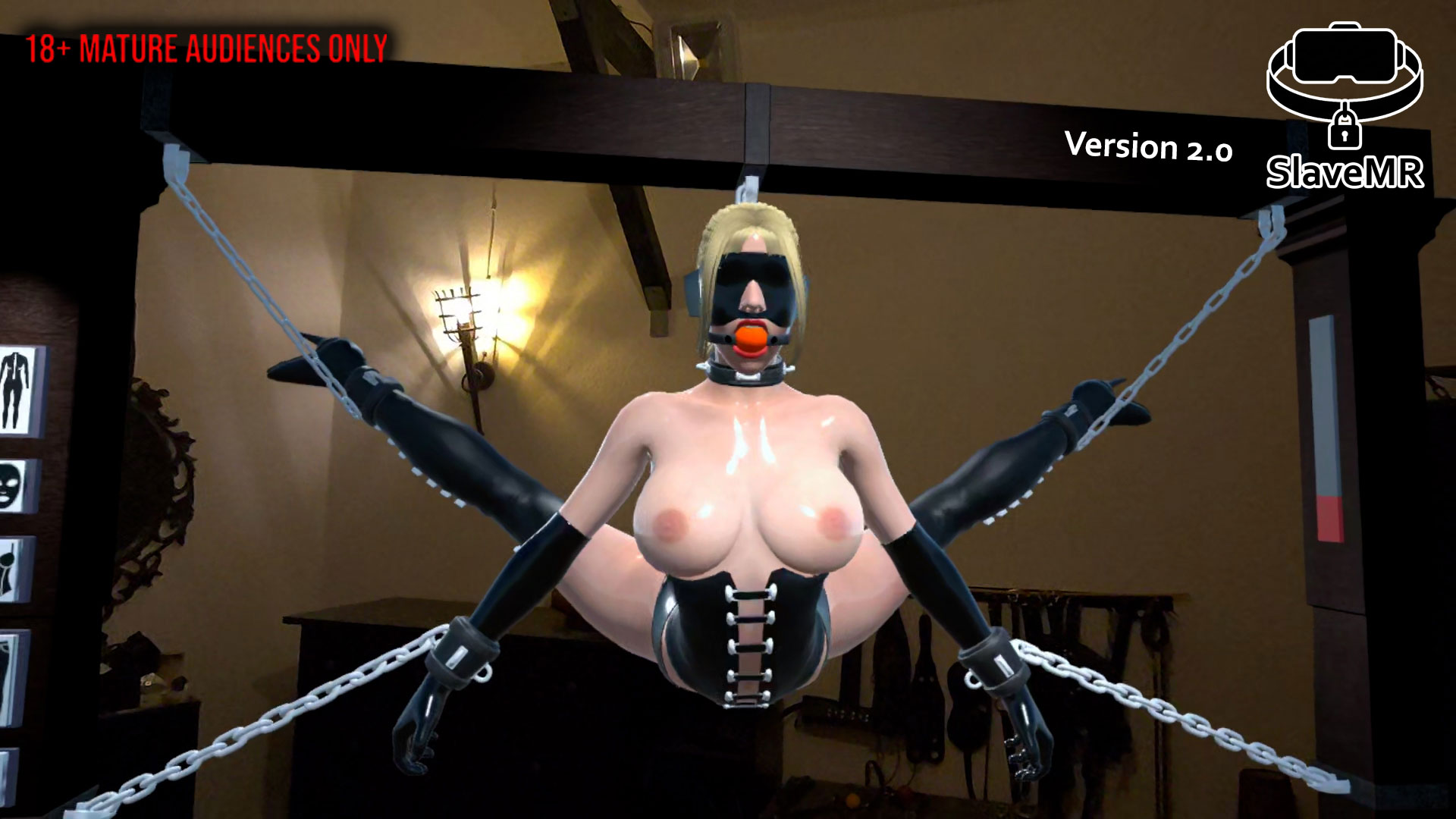
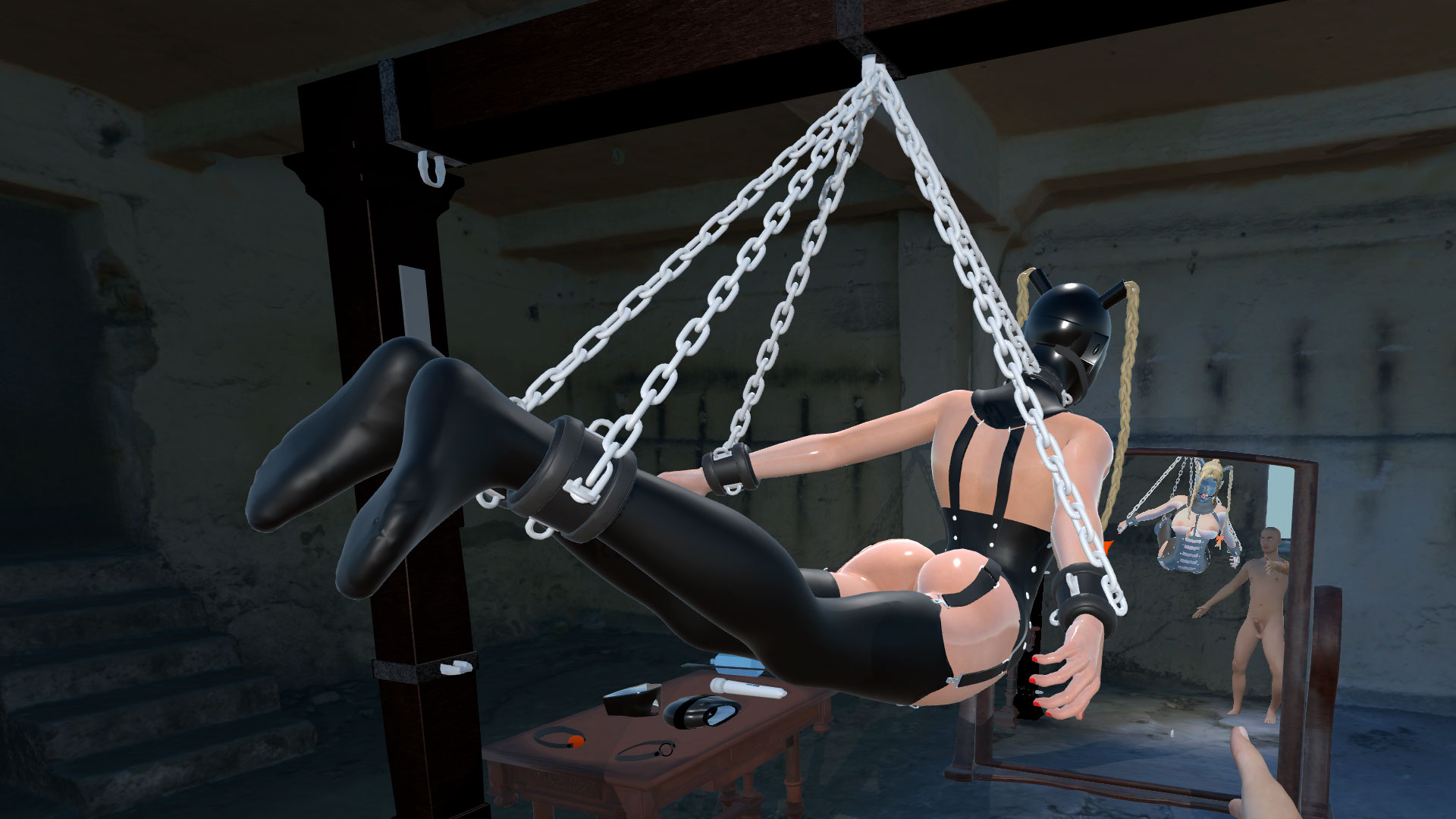
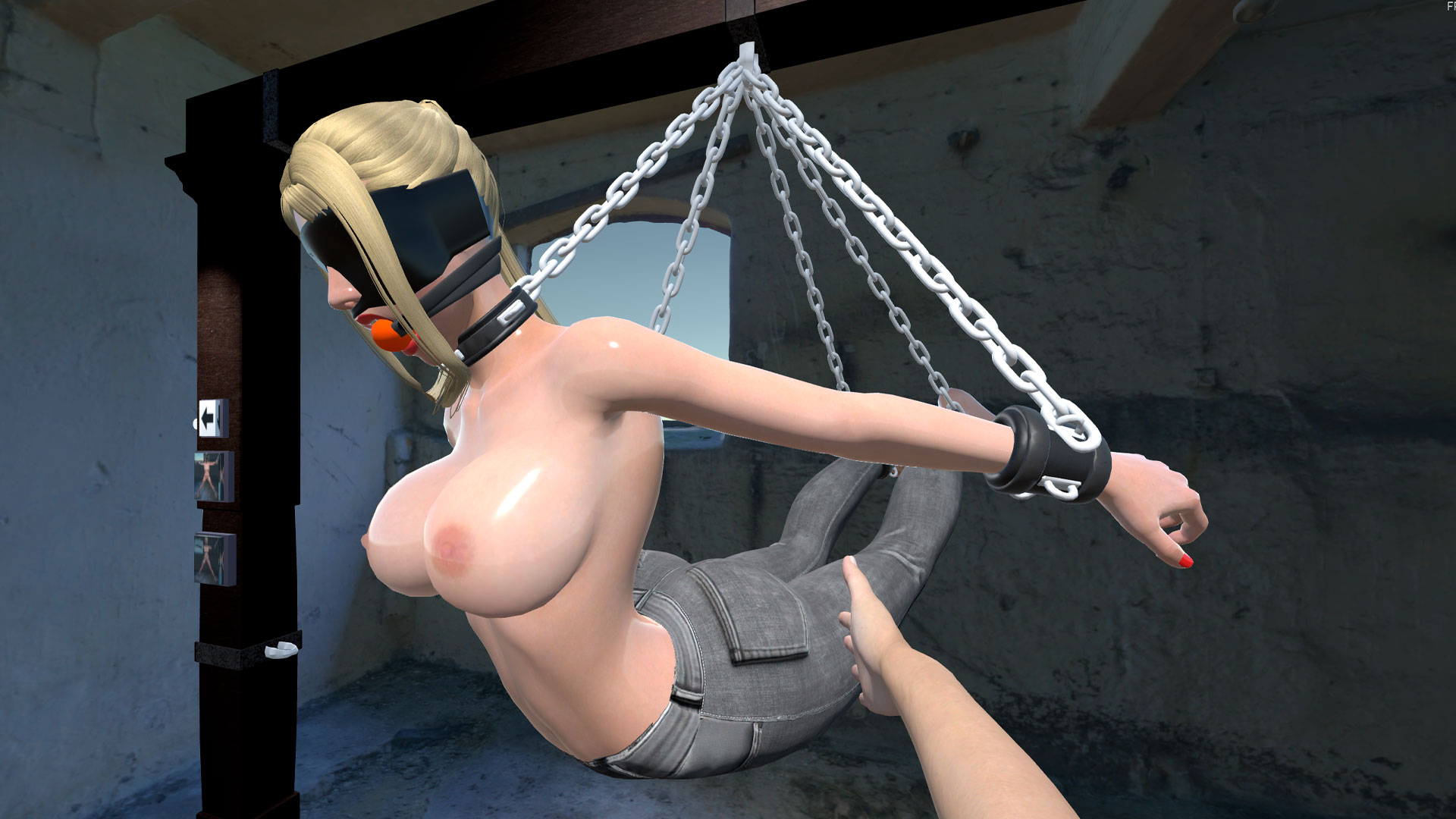
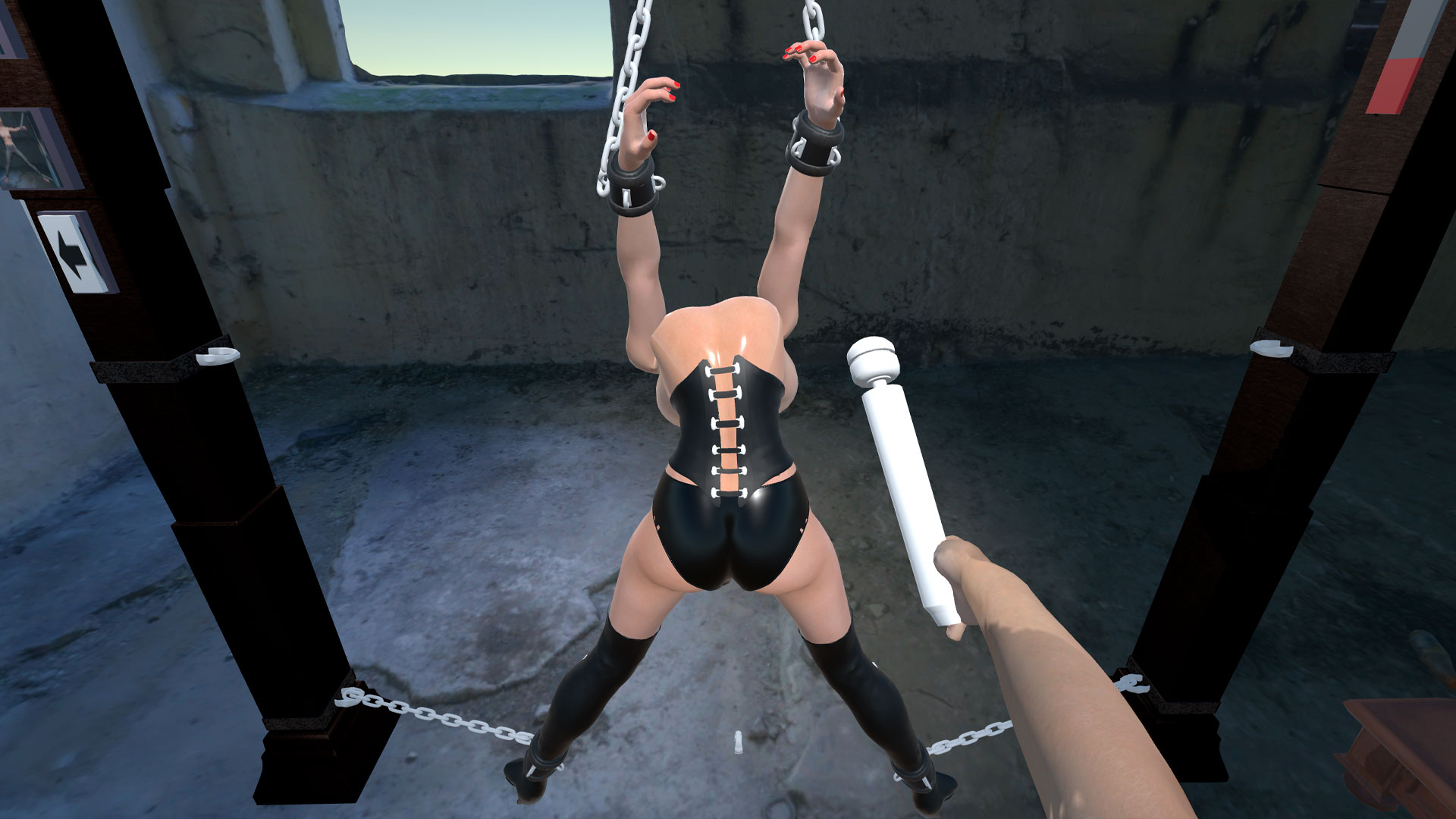
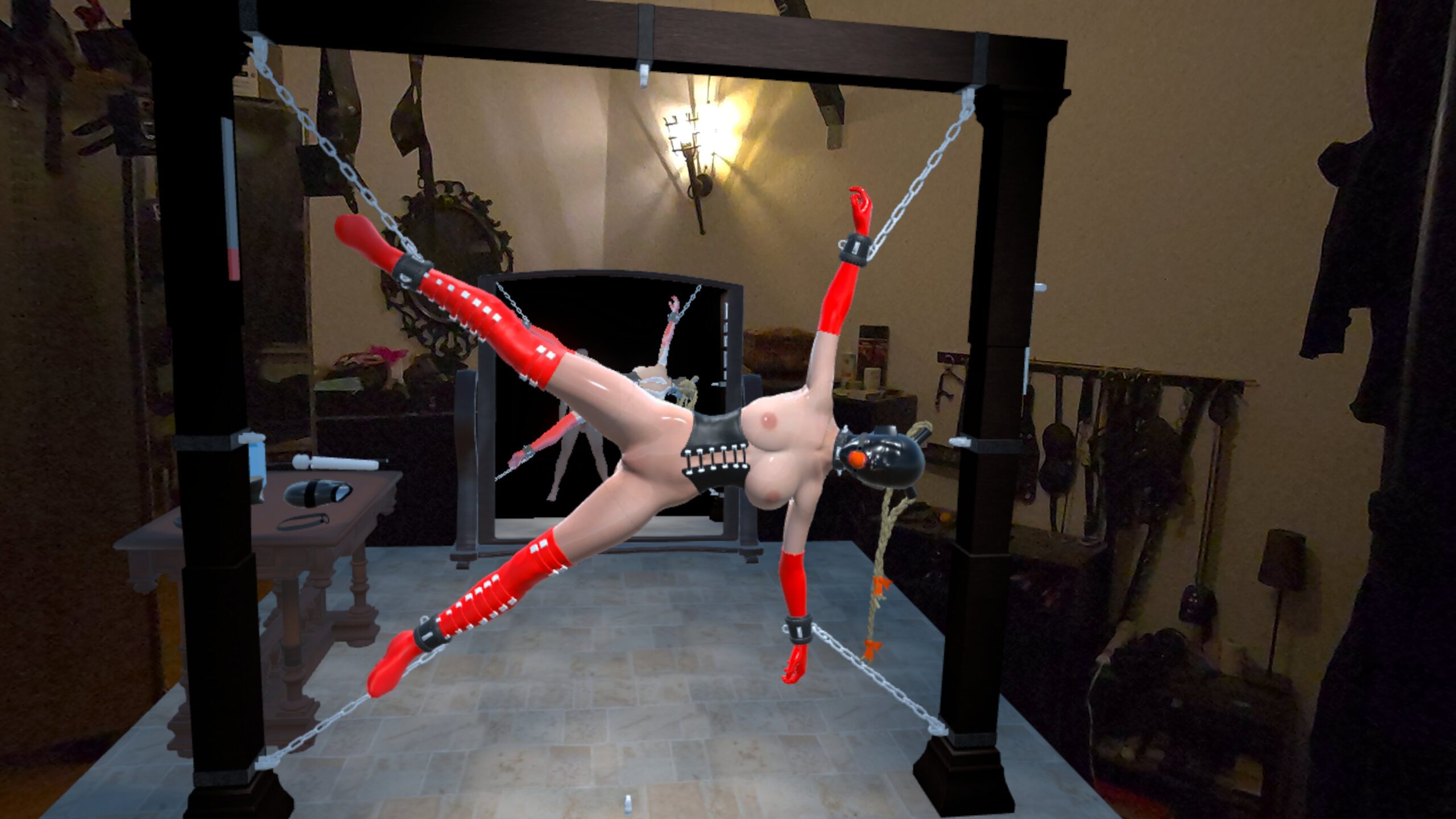
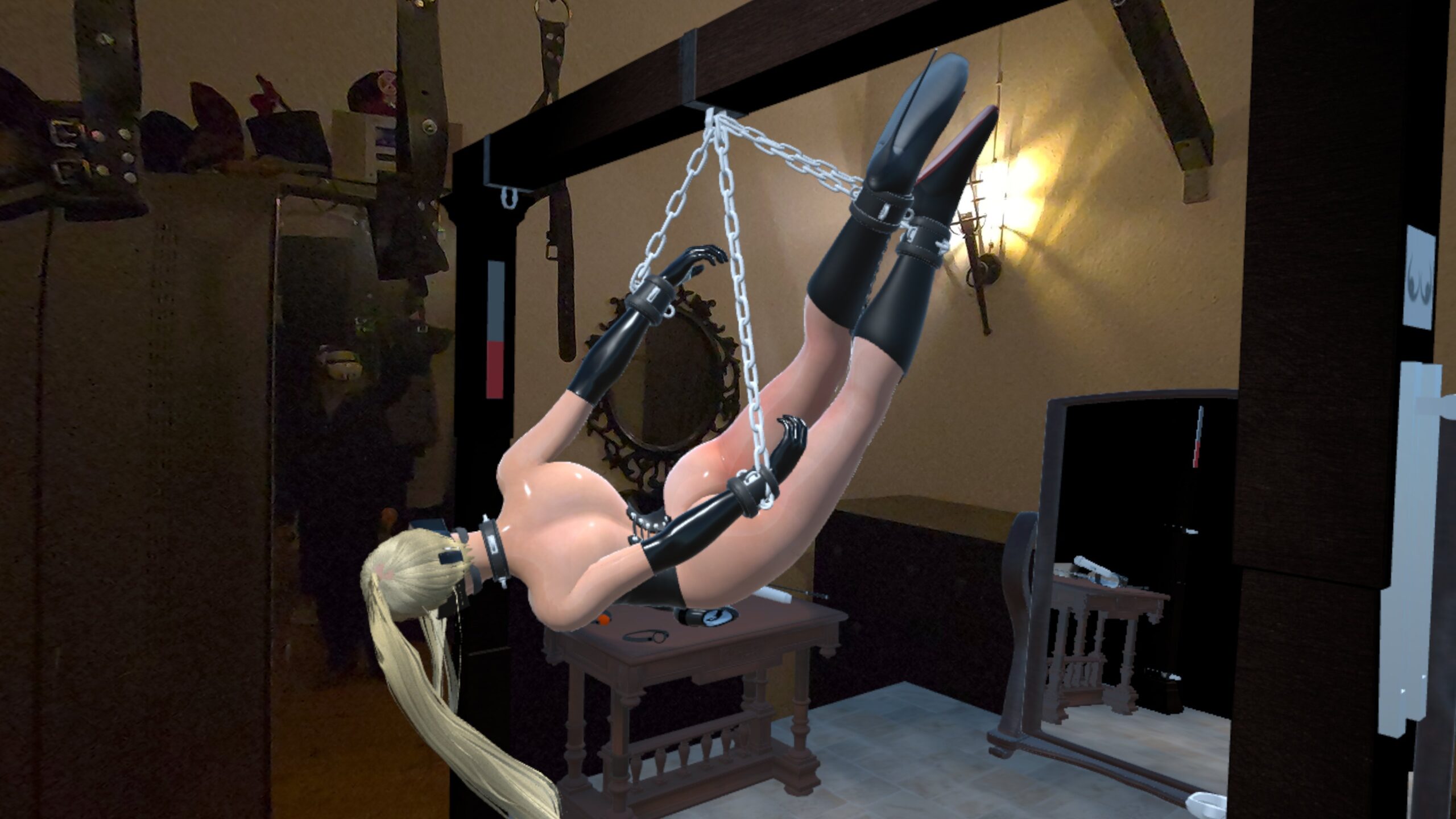
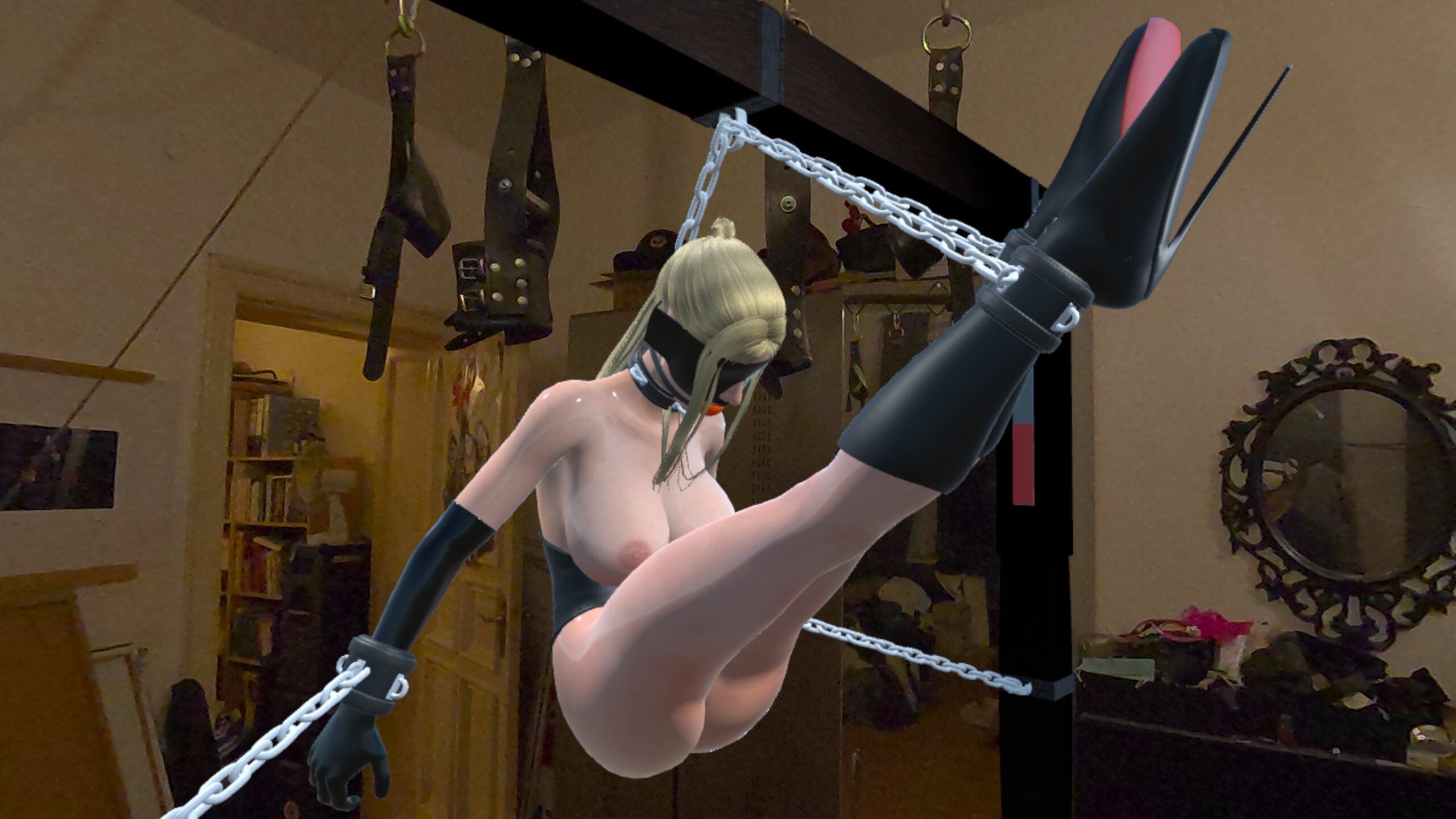
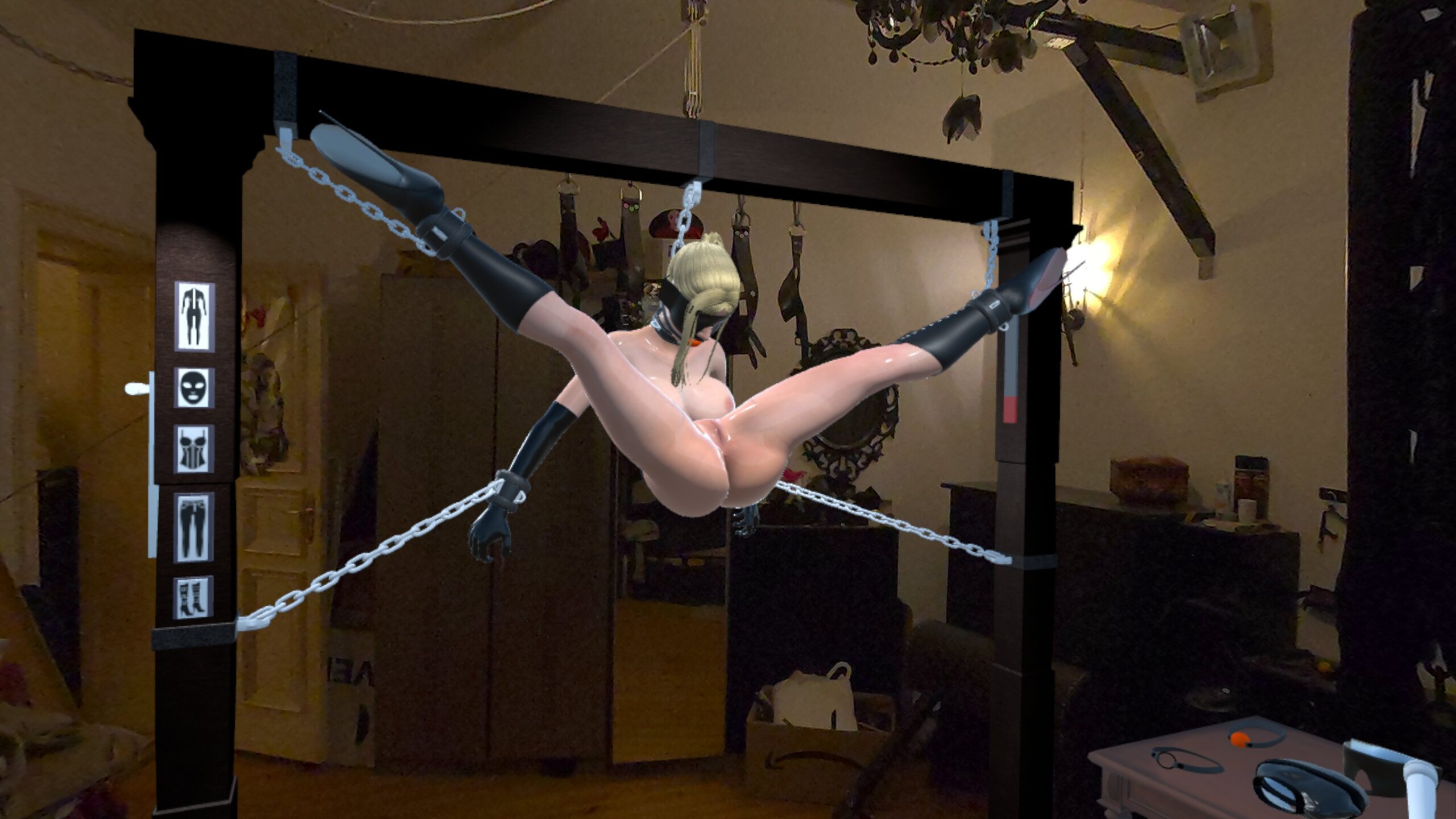
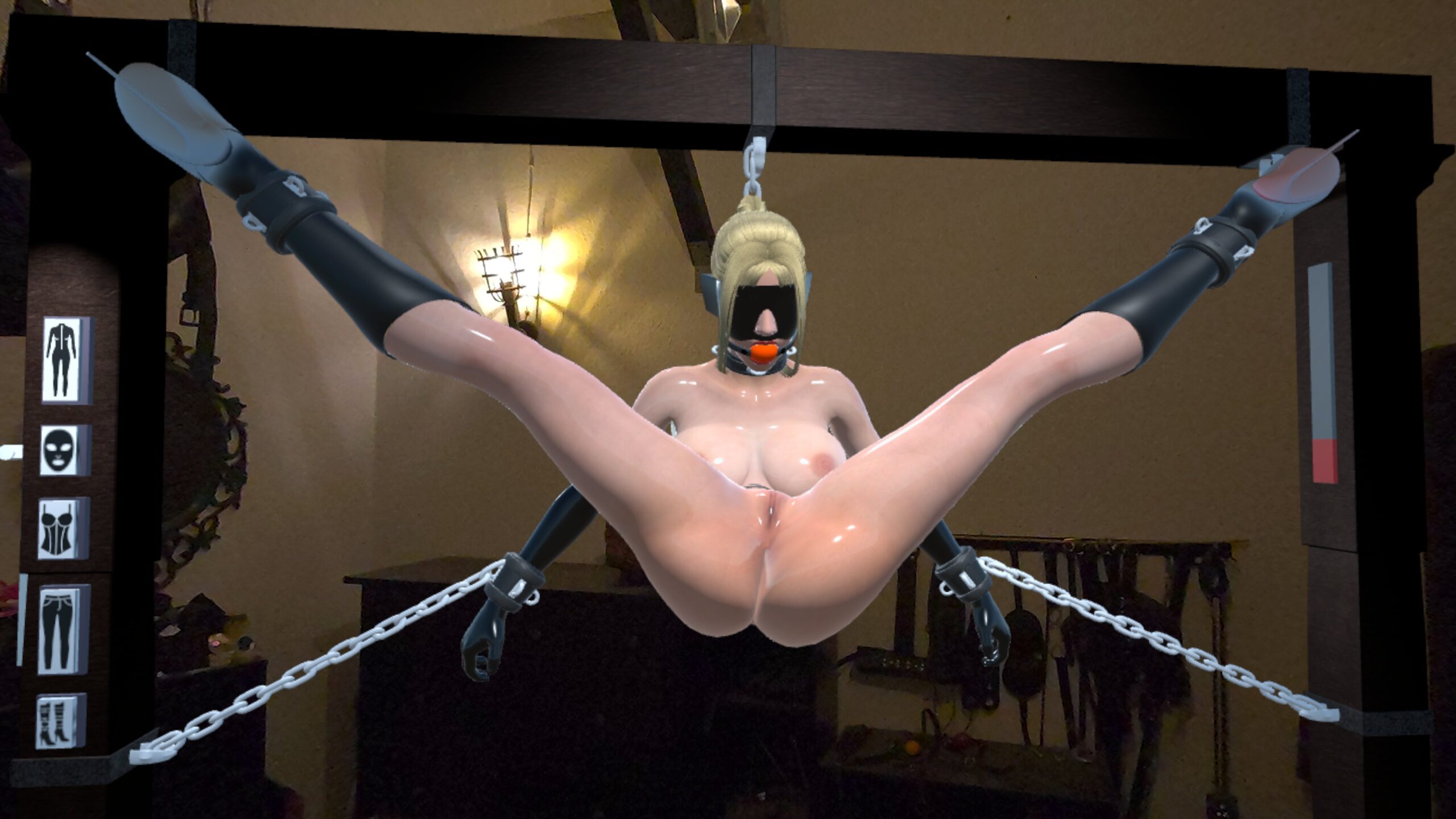
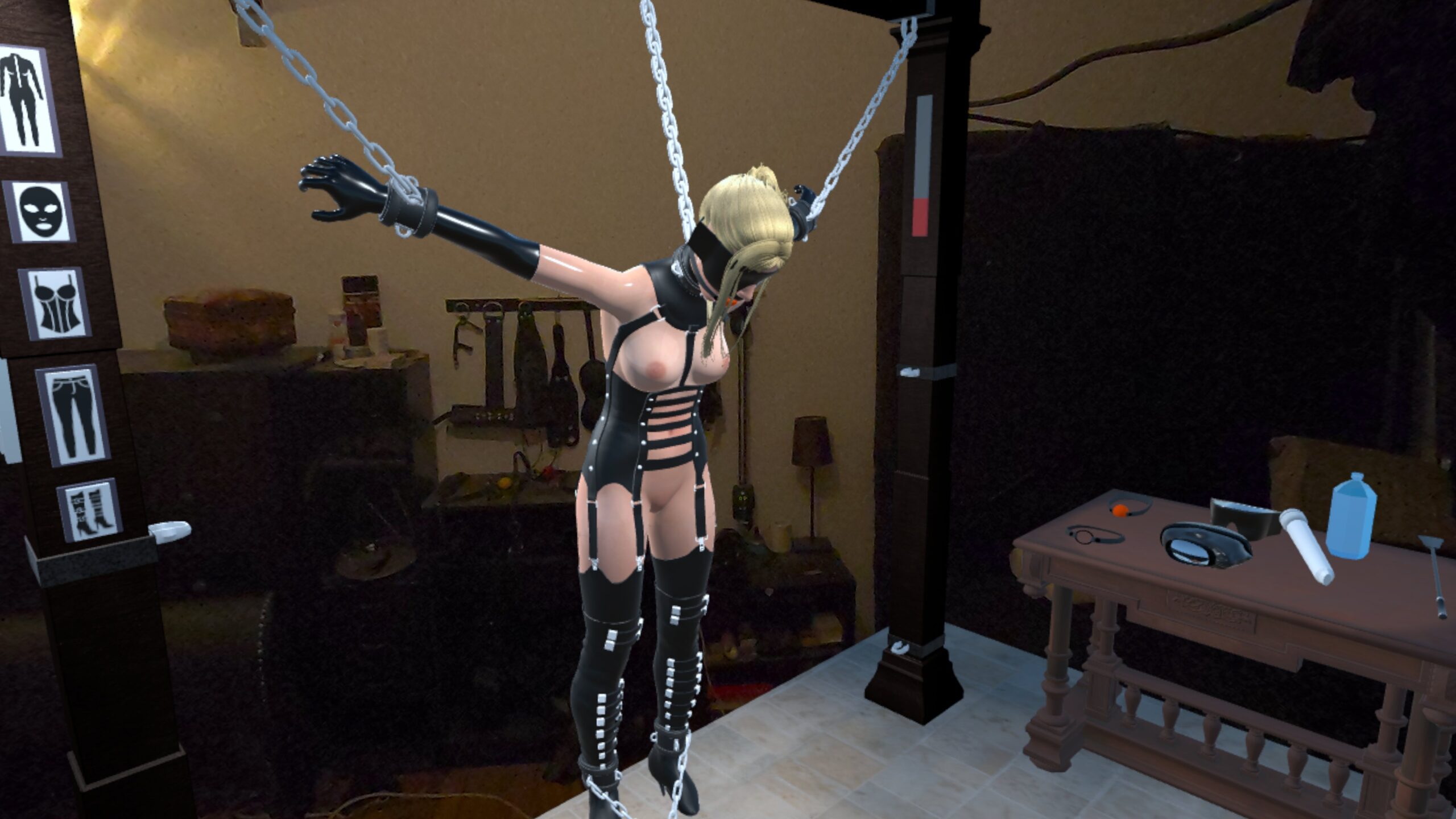
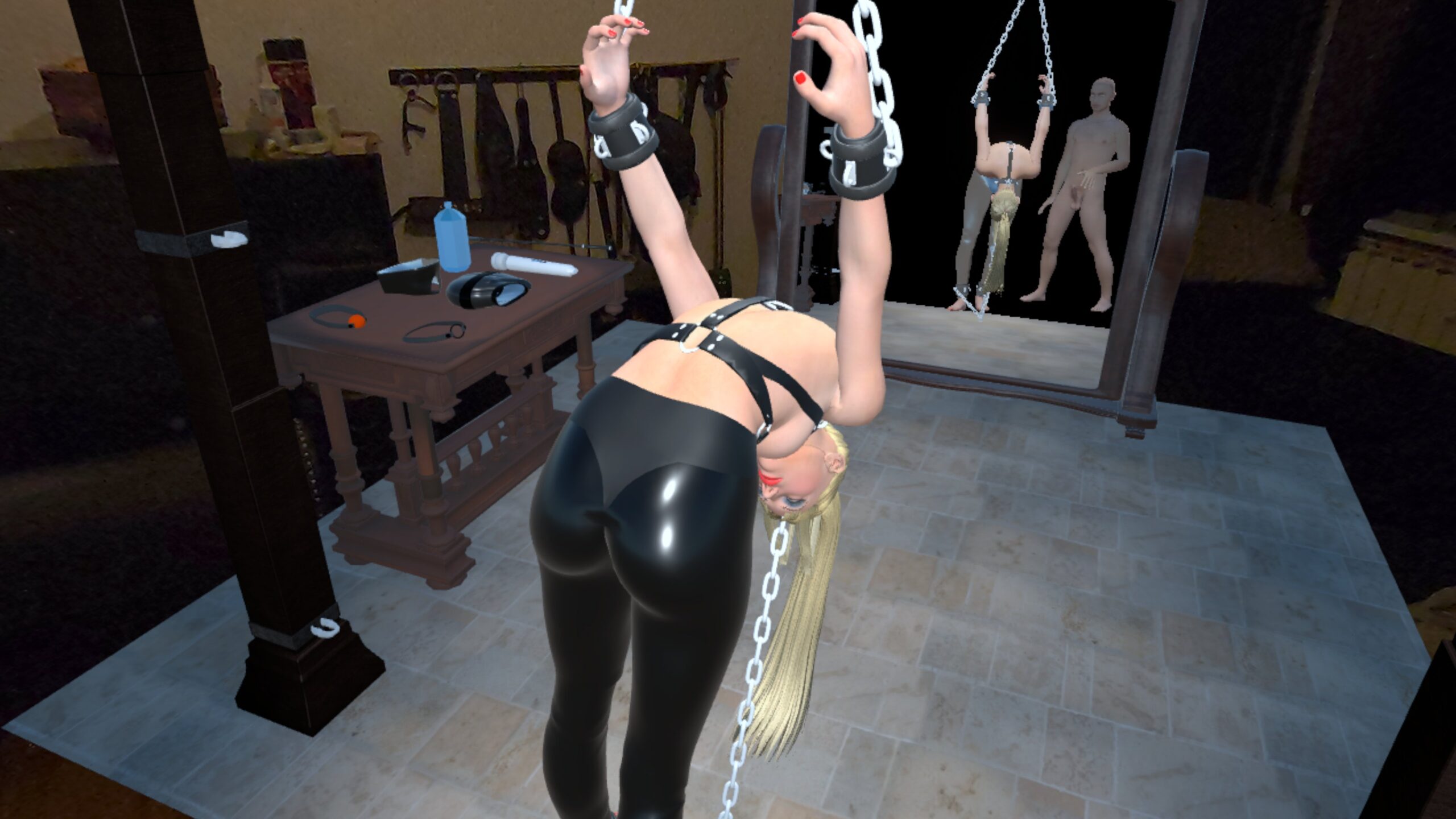
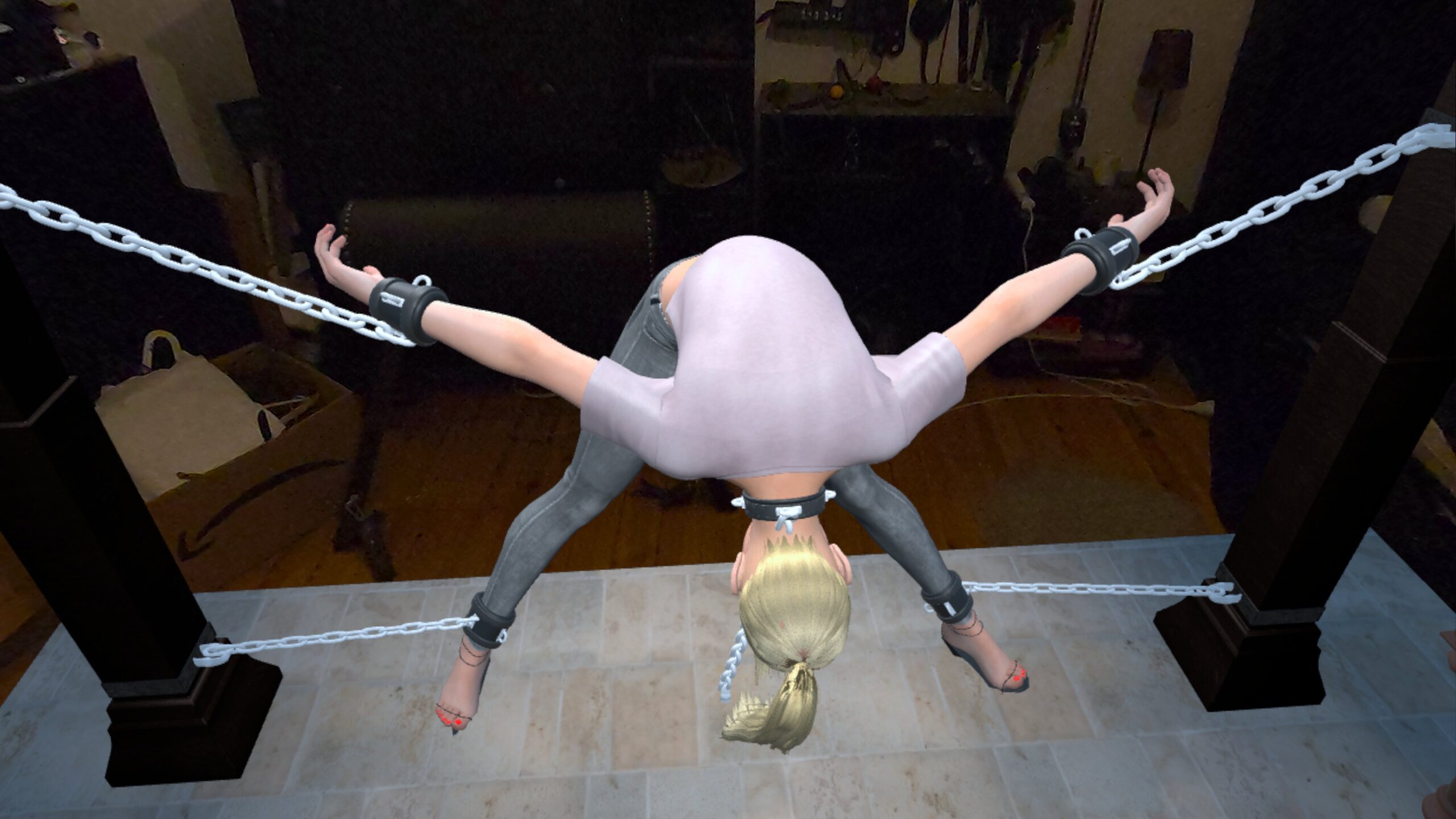
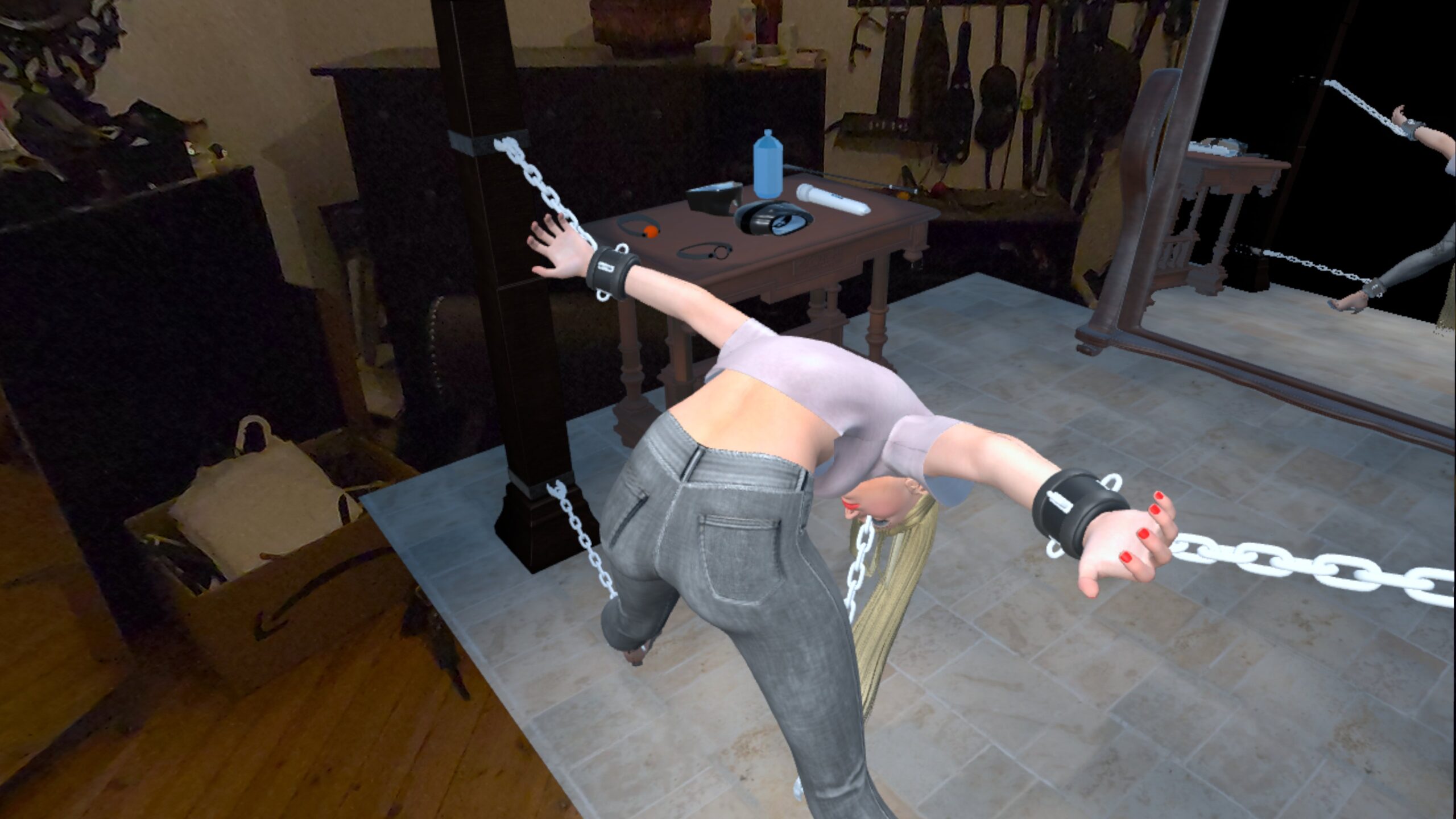
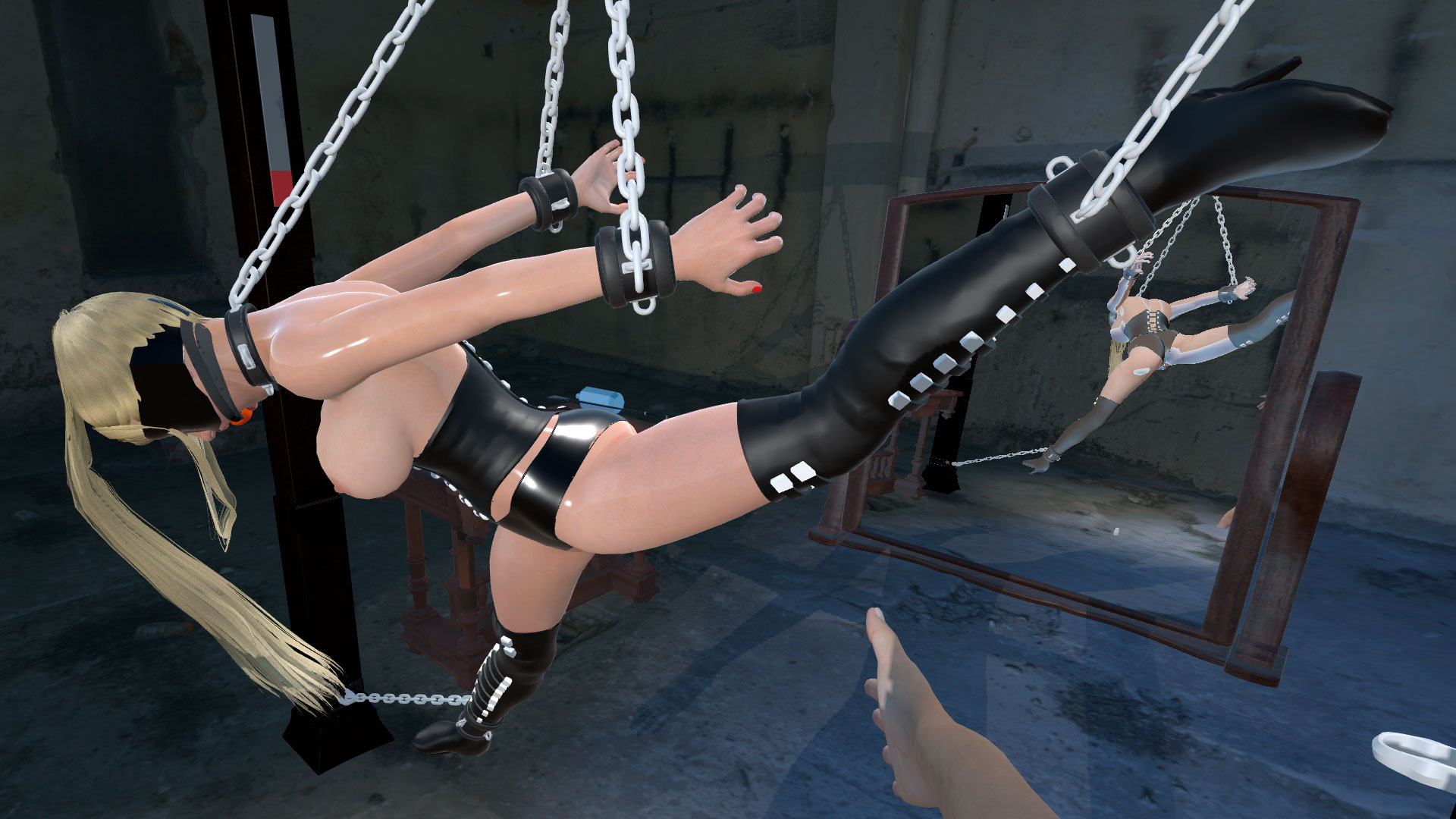
🔥 NEW: The Most Flexible Restraint System in computer games? I wanted to create the most realistic and versatile bondage simulation possible.
5 Body Cuffs: Wrists, Ankles, Neck.
8 Frame Anchors: The frame has anchor points in every corner and the center of every side.
Total Freedom: You can connect any cuff to any anchor point.
Adjustable Chain Length: This is the game changer. You can adjust the length of every single chain individually and smoothly.
The Result: From strict suspension to loose confinement on the floor – with over 30,000 possible setup combinations, you have total control over her position.
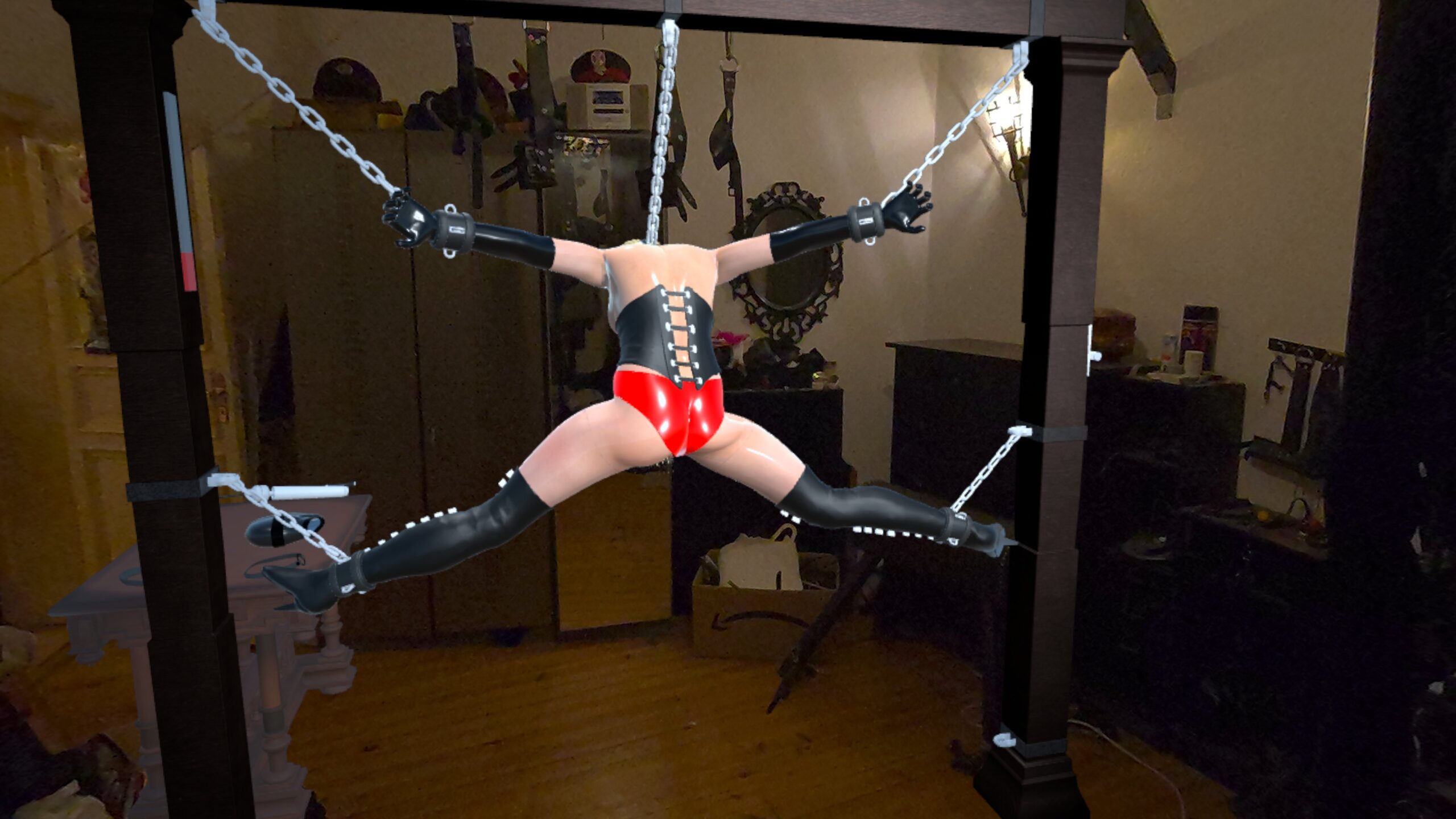
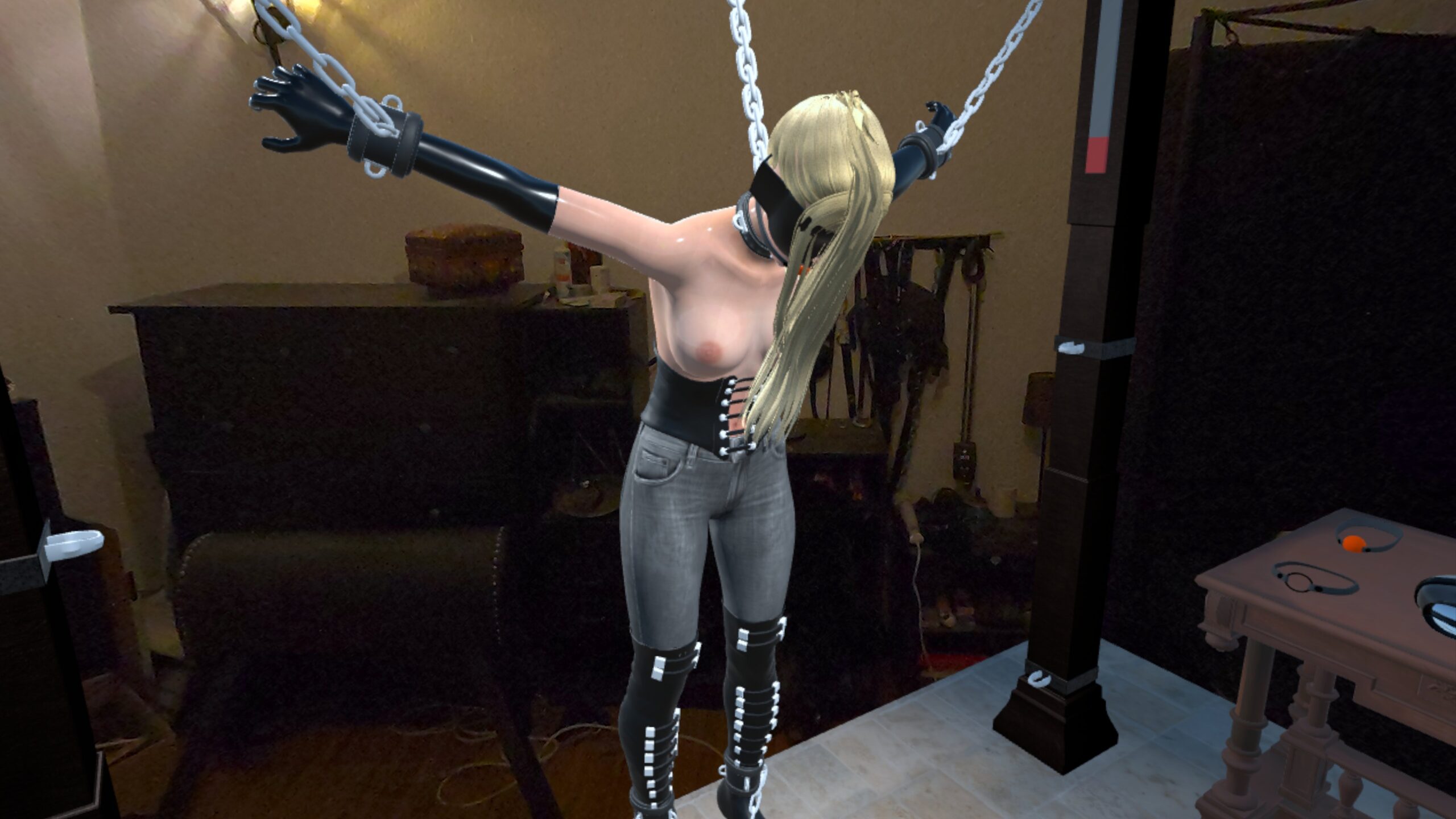
👗 NEW: Wardrobe & Color Customization
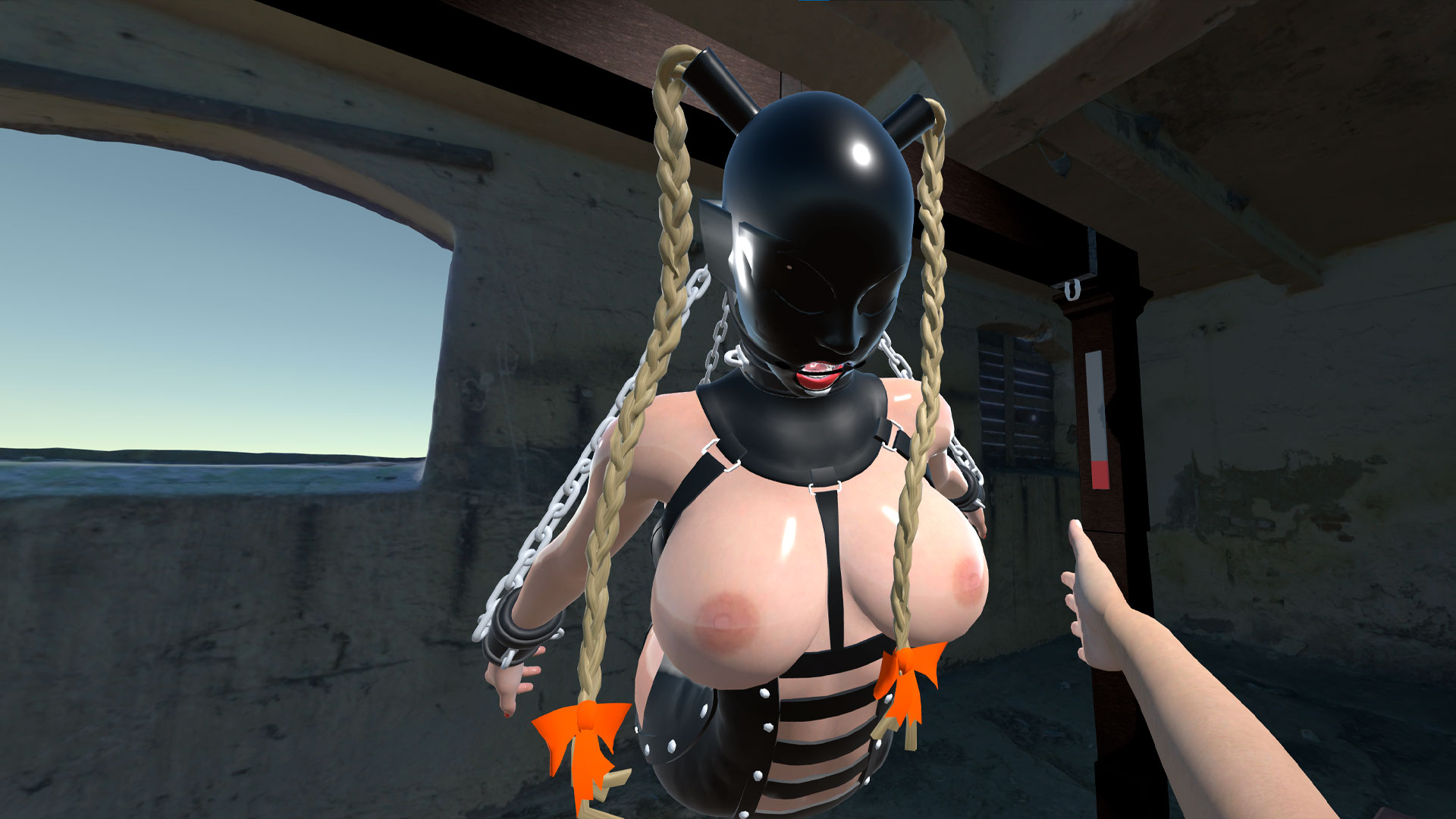
14 Sexy Items: Dress her up (or down).
RGB Color Picker: I didn’t just add clothes. I added a full color slider. You can change the color of every clothing piece smoothly to match your personal taste. Latex Red? Deep Black? Innocent White? It’s your choice.
Body Sliders: Customize her physical proportions to your liking.
Blindfold: Added a usable blindfold to the table.
⚠️ Important Changes:
Intro Removed: To focus on the sandbox experience, the intro sequence is gone. You spawn directly in the dungeon or your sleeping room in mixed reality mode.
Visual Upgrade: The character model has been replaced with a higher fidelity version.
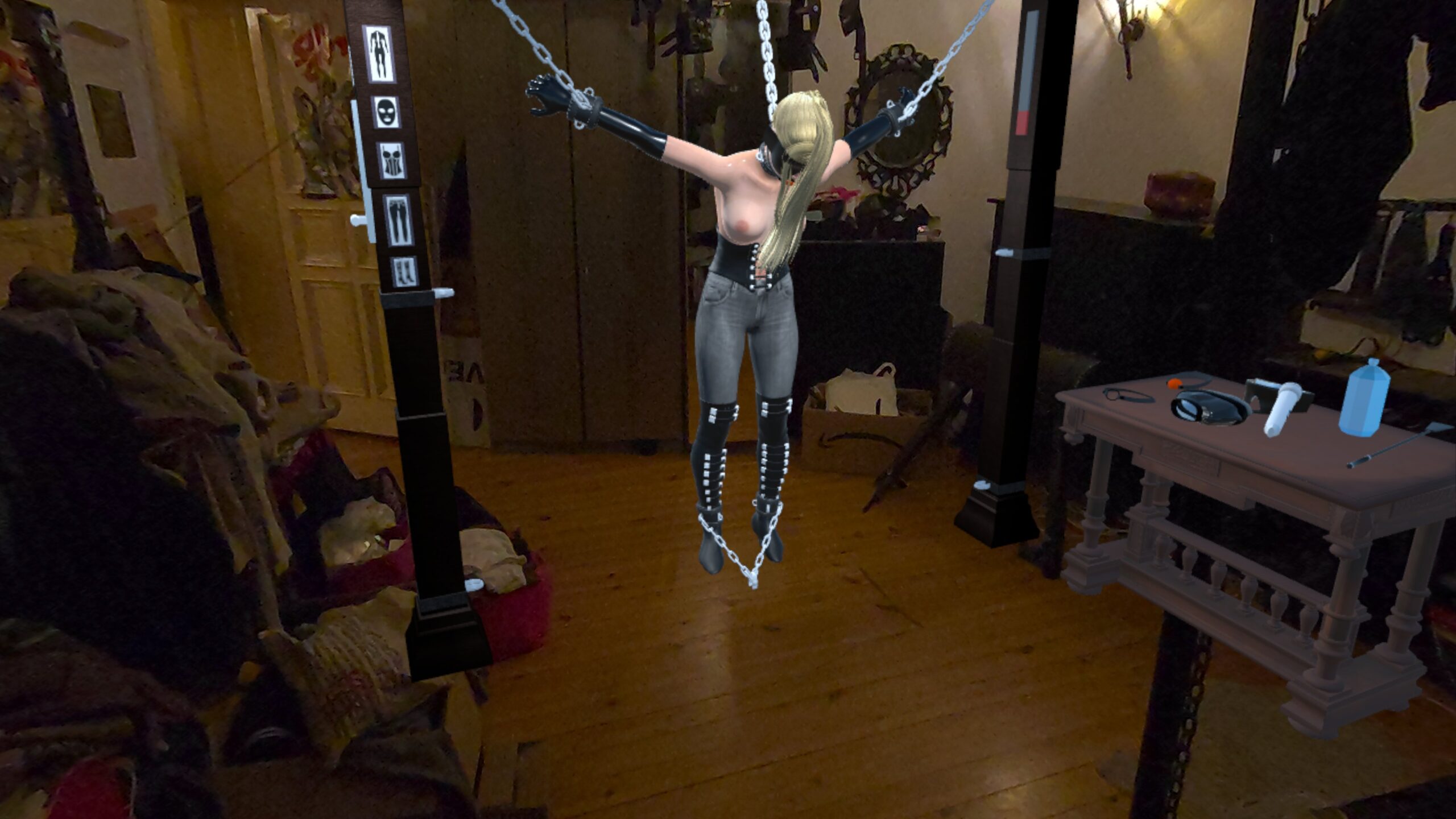
🆓 FREE TO PLAY (Optional Premium Features)
Bring your deepest fantasies into your real world with the ultimate Adult VR experience.
SlaveMR isn’t just another VR game. It is the world’s first Adult VR simulation to fully support Mixed Reality (Passthrough) technology. Don’t just enter a virtual world—bring the model directly into your own bedroom, living room, or dungeon using your Meta Quest 3 or Quest 2.
🔓 Unlock Toys – BUY KEY HERE
The base game is free. To unlock the interactive toys on the table, purchase a Premium Key here:
👉 https://slavemr.itch.io/part1
👁️ THE REVOLUTION: Mixed Reality (Passthrough)
Forget virtual boundaries. With our cutting-edge Passthrough support, the model exists in your environment. This isn’t just VR; it’s an Augmented Reality (AR) adult experience.
- Quest 3, Quest 3S, & Quest Pro: Experience the model in your room in full, high-resolution color.
- Quest 2: Fully supports Passthrough mode (Greyscale/Black & White) for an immersive Adult VR experience.
⛓️ UNRIVALED REALISM
We claim this to be the most realistic and interactive BDSM simulation available for standalone VR headsets.
- Lifelike Facial Animations: Deepen the connection with high-fidelity facial expressions. The model maintains intense eye contact and reacts emotionally to your actions.
- Next-Gen Physics: Powered by advanced ragdoll physics, the body reacts realistically to every touch, push, and impact.
- High-Fidelity Visuals: Stunning skin shaders and realistic body deformations.
- Total Control: Use your hands or controllers to interact seamlessly with the model and the environment.
💻 CHOOSE YOUR PLATFORM
1. Quest Standalone (APK)
- The Wireless Experience (No PC required).
- Runs natively on your headset (Quest 2, 3, 3S, Pro).
- Default Mode: Mixed Reality (Passthrough) enabled instantly. Your room is the stage.
2. Windows PC Version
- The High-Fidelity Experience.
- Better graphics and lighting calculations.
- Default Mode: Immersive VR Mode. You are transported into a fully modeled, atmospheric Cellar Dungeon.
- Nerd Mode (PC Passthrough): Want the graphics of the PC but the Mixed Reality of the Quest? You can activate Passthrough on PC by launching the game with the argument
-mror-passthrough(requires compatible streaming setup like Virtual Desktop or Quest Link). - Desktop Mode: Play with Keyboard and Mouse on your screen.
3. Browser Version
- Desktop Mode: Play in any Browser on any system with keyboard and mouse.
- Mobile Version: Play on your high end mobile device.
- PLAY NOW: slavemr.com/browser/
🎮Controls in MR Passthrough Mode
- Move the scene: Left Stick
- Rotate the scene: Right Stick
- Grab and hold objects or the model: Trigger
- Move yourself: Your feet
- Push, hit, pull, stimulate: Move the controllers
- Change shackle position: Press and hold trigger of right controller near shackle, drag it to new position then release the trigger
- Free shackle: Press trigger of left controller near shackle
🎮Controls in VR Mode
- Move: Left Stick
- Rotate: Right Stick
- Grab and hold objects or the model: Trigger
- Push, hit, pull, stimulate: Move the controllers
- Change shackle position: Press and hold trigger of right controller near shackle, drag it to new position then release the trigger
- Free shackle: Press trigger of left controller near shackle
⌨️Controls in Desktop Mode
- Move: W, A, S and D keys
- Rotate: Move Mouse
- Grab and hold objects: Right Mouse Button or E
- Hit: Left Mouse Button
- Change shackle position: Press and hold Right Mouse Button or E near shackle, drag it to new position then release the button
- Free shackle: Press trigger of left controller near shackle
- Crouch: C
Install Instructions: How to install APK on Quest or Windows VR
🥽 FOR QUEST STANDALONE (Wireless / No PC)
Method 1: Direct Download (No PC required)
- Install and open the free browser „Wolvic“ inside your headset (Do NOT use the default Meta Quest Browser, as it blocks installs!).
- Download the .apk file directly from this page inside Wolvic.
- OR: Transfer the downloaded .apk from your PC to your Quest’s „Download“ folder via USB cable.
- Install and open the file manager Mobile VR Station (available in the Store).
- Navigate to: Android fixes -> Show all Options -> See missing downloads -> Open Files All
- Click on the downloaded .apk file and select „Install“.
Video Tutorial: How to install the APK on Quest 3 & 2:
Method 2: SideQuest (Sideloading) Note: A PC is required for this method
- Download the free .apk file to your PC directly from this page.
- Connect your Quest to your PC via USB.
- Open SideQuest (Advanced Installer) or Meta Quest Developer Hub.
- Drag and drop the .apk file into the app to install it.
▶️ HOW TO PLAY:
- Put on your headset.
- Go to your App Library.
- Click the search bar/filter and switch from „All“ to „Unknown Sources“.
- Launch SlaveMR.
🖥️ FOR WINDOWS PC (High Quality VR)
⚠️ Prerequisites:
- You need the Meta Quest Link App installed on your PC.
- Your headset must be connected via Link Cable, AirLink, or Virtual Desktop.
Step 1: Installation
- Download the free .zip file directly from this page.
- Important: Right-click the file and select „Extract All…“. Do not run the game directly from the ZIP file!
- Open the extracted folder.
Step 2: Launching & Modes
- Standard VR Mode: simply double-click the .exe file
- Mixed Reality / Passthrough Mode: To see your real room instead of the cellar, follow these steps:
- Right-click the .exe file and select „Create Shortcut“.
- Right-click the newly created shortcut and select „Properties“.
- Locate the „Target“ field. Go to the very end of the text line.
- Add a space and then type -mr
- Example: „…SlaveMR.exe“ -mr
- Click Apply and OK.
- Launch the game using this shortcut.
- Press P at any time to toggle between the Virtual Cellar and Mixed Reality (Passthrough) mode manually.
How to unlock the toys and all cloths
- In the game, tab on „unlock“.
- Click on „Buy code“.
- In the browser, click „Buy now“.
- Enter your email address (the code will also be sent there).
- Choose between PayPal or credit card.
- Make the payment.
- Click on „get download key“.
- Enter the key inside the game into the console.
- Press Enter in the lower right corner of the console.